Capture it. Check it. Keep it.
Scan a receipt, inspect the details and correct anything that needs attention. You stay in control before saving the record.
- Receipt capture
- Extracted details
- Review and correction
Give earnings, mileage and expenses a place to come together. Start with clear records and receipts you can check.
The small pieces of admin add up. Capture them while they are close to hand, so finding a receipt does not become a job of its own.
Receipt capture · example workflow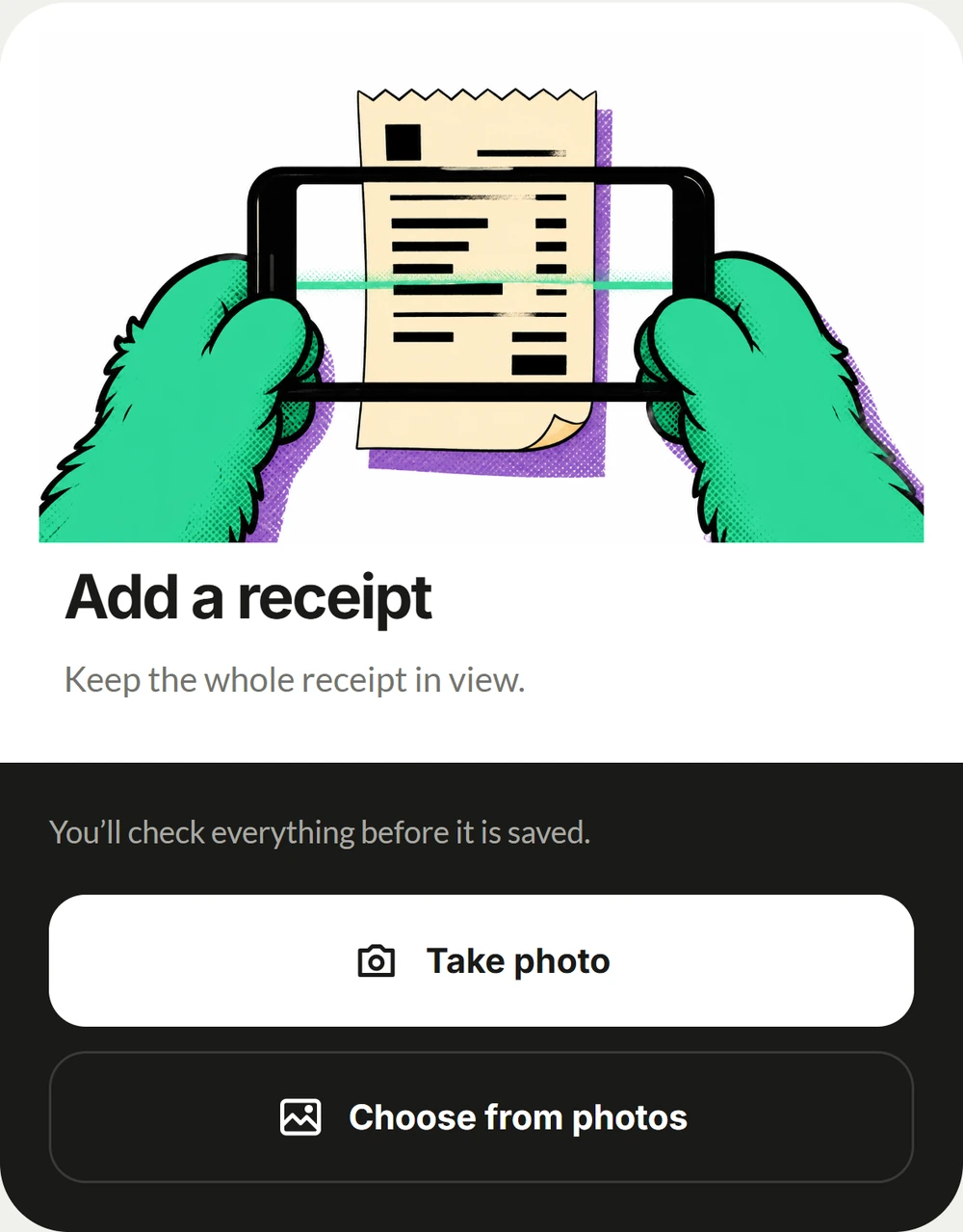
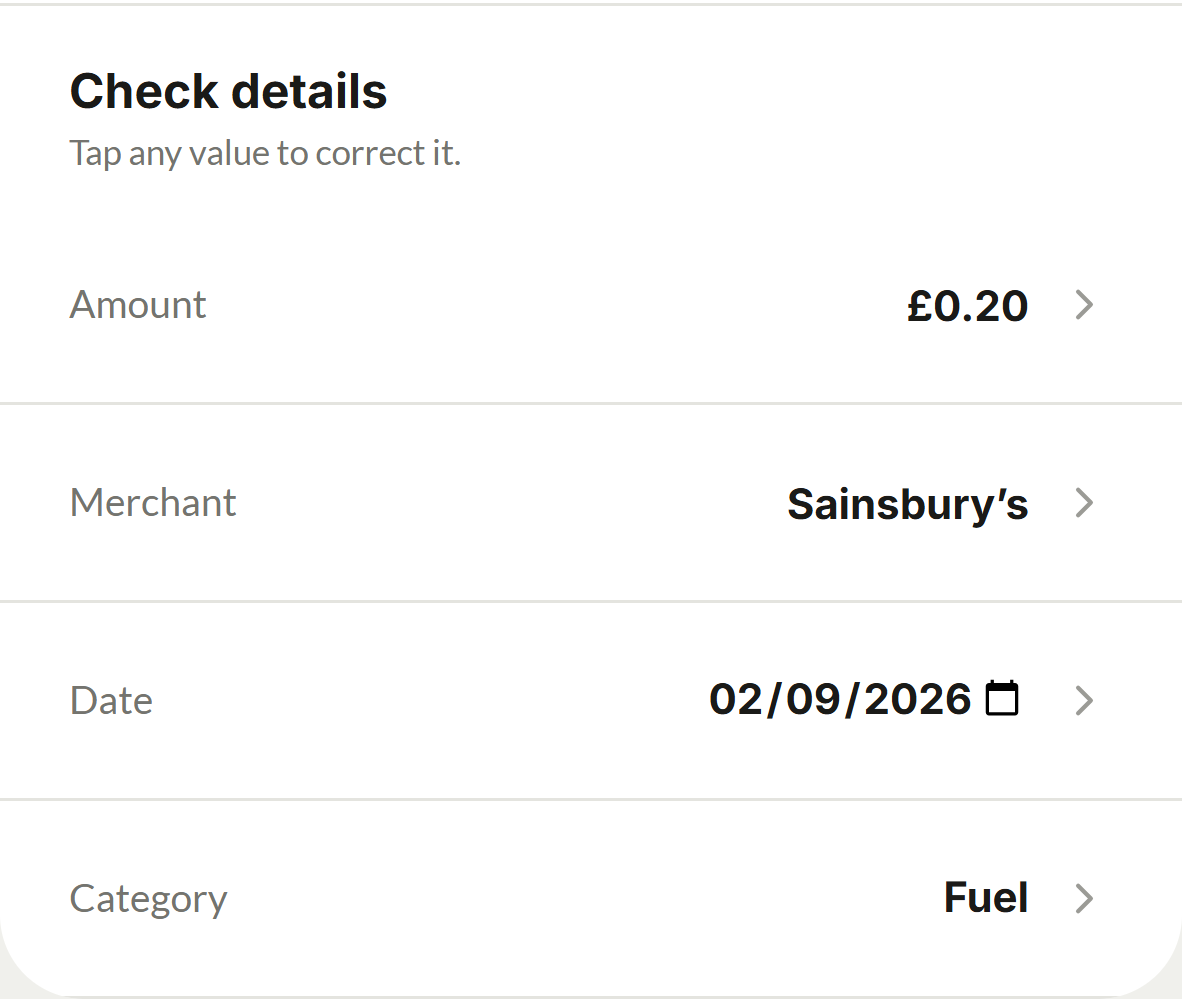
Scan a receipt, inspect the details and correct anything that needs attention. You stay in control before saving the record.
A note, an amount and a receipt make an expense easier to understand later. Link a journey cost to the shift where it happened.
Keep income records, work journeys and expenses organised. These are the details you can return to when reviewing your work or preparing information for your accountant.
Yes. The supplied receipt workflow includes reviewing and correcting the extracted details before saving.
No. This page covers records, expenses and receipt capture. Contact Kerbi for the current scope of tax calculations and filing support.