Find any shift again.
Browse your shift history by date. Open a day to see its earnings, time, mileage and the journeys that made it up.
- Date-range browsing
- Shifts needing a check
- Day and journey detail
Follow a shift from the first journey to the last. Keep the route, the miles and the details you will want to find again.
Your work includes the driving between paid trips. Give those miles a place in the picture, alongside the journeys that earned them.
Shift tracker · example data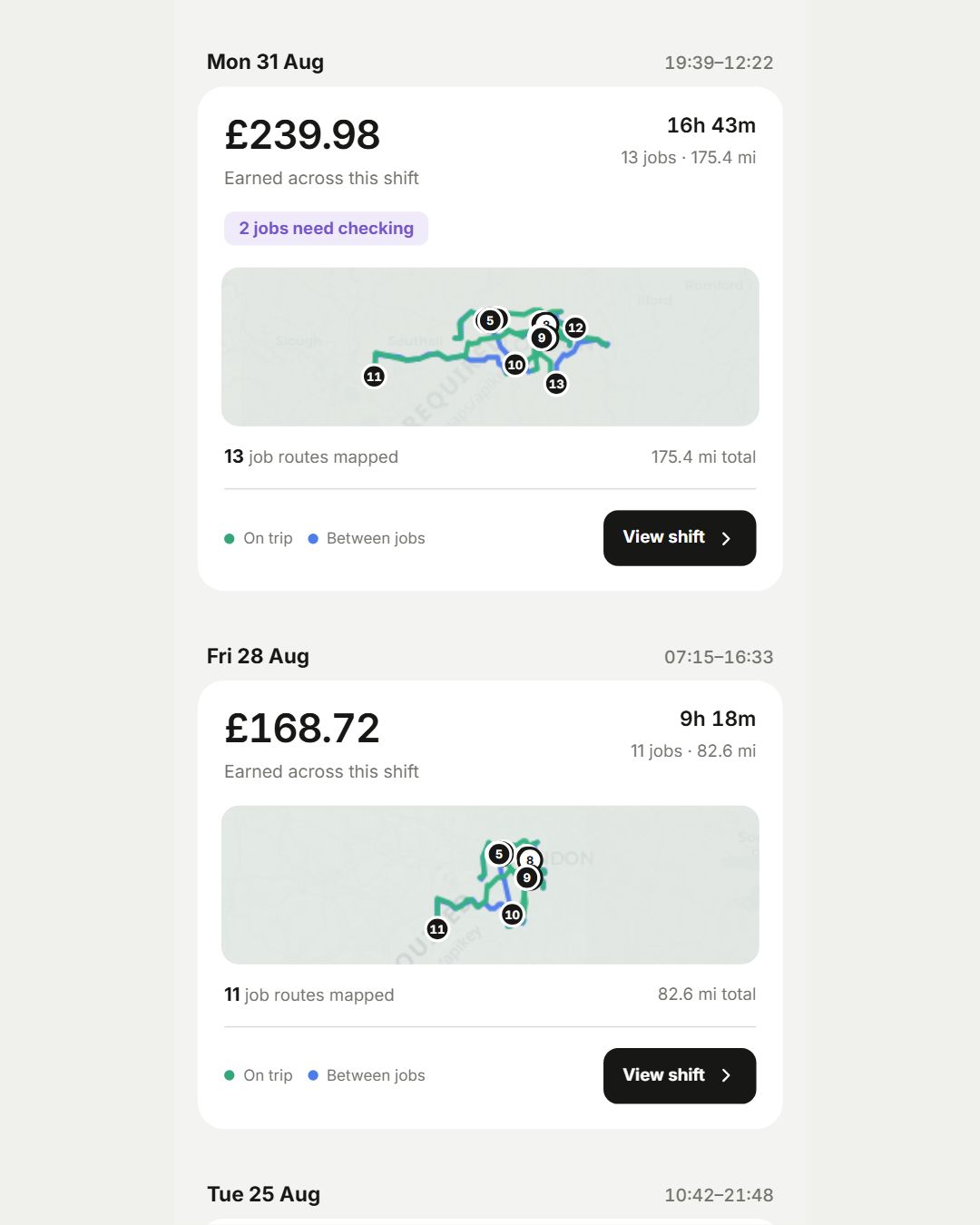
Browse your shift history by date. Open a day to see its earnings, time, mileage and the journeys that made it up.
Follow the route with paid jobs and between-job travel shown separately. Understand where the day went, including the distance without a fare.
Add a parking charge, toll or other expense to the relevant journey. Keep the amount, note and receipt close to the work it belongs to.
It is a common term for driving without a paying passenger or delivery, such as travelling between jobs. Seeing it separately helps you understand the whole shift.
Recording a journey and deciding its tax treatment are different steps. Keep the journey purpose and supporting details, and check the applicable rules for your circumstances.